



Luckysheriff Mobile Access
More people than ever now use mobile phones as their primary devices, and our Luckysheriff app is a natural result of that trend. We want your gaming experience to be smooth, whether on a phone, a tablet, or a computer, and the browser version is not always enough for that.


Using Luckysheriff on Mobile
There is a good reason why most companies have apps for their products. There is only so much you can do to adjust the same website to different screen sizes and OS. The Luckysheriff app takes care of that problem by offering an experience tailored to your specific device. Here are a few reasons to opt for it:
- Easy on Storage Space. You might think you don’t have enough phone memory for yet another app, but we have thought of that. Many software solutions take up too much space, and we often don’t have that in spades. But the Lucky Sheriff app is as light as they come: we did our best to pack those 12 MB with everything you need for a comfortable gaming session.
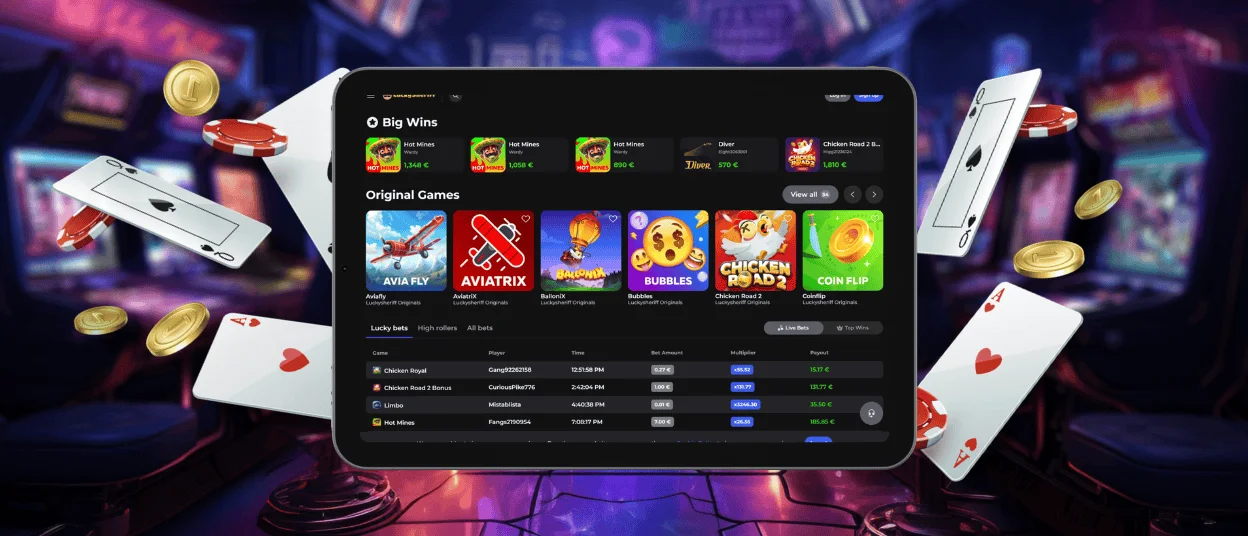
- Tailored for Gadgets. We removed all browser features that have no value to the mobile casino experience, such as the address bar and tab sections. The main page now compactly accommodates all banner elements. There is also a pinned interface bar with all the sections players visit most frequently.
- Notifications. You can receive notifications from Luckysheriff Casino just like you would from any other app. You can delegate the remembering work to us: our app will remind you if your bonus is about to expire or a tournament is starting soon.
All these usability benefits stem from the technical excellence of the Luckysheriff Casino mobile version. Even though the front is the only part you can see, its back part is equally dependable. Here are all the components that make the smooth work of our software possible:
| Technical attribute | Description | Granted Advantage |
| Lightweight code structure | Optimized scripts and compressed assets minimize unnecessary background processes. | Loading is faster, and data usage is minimal. |
| Adaptive design | Automatically adjusts layout and resolution to different screen sizes. | All pages look as if they were made specifically for your device. |
| Background auto-updates | Automatic updates with every app reload. | You always launch the latest version of our app without needing to download updates manually. |
| Secure cloud-based hosting | High-performance servers with load-balancing technology are used for hosting sessions. | Uninterrupted gameplay even during periods of high traffic. |
| Optimized caching system | Frequently accessed elements are temporarily stored on the device. | Smooth transitions and reduced loading time. |
Luckysheriff App for Android
If you are an Android user, you can install our software without the hassle of searching for it in the Play Store. You don’t even need to be logged into your Google Play account. A few clicks are all you need to make Luckysheriff Casino your homescreen resident.
PWA
The software that we made is a Progressive Web Application. It is built with standard web technologies but offers features you only find in traditional software. That means that the Luckysheriff app takes the best of both worlds. Even though it is not a full-fledged mobile software and doesn’t require that much storage space, it acts like one nonetheless.
You can install Luckysheriff Casino on your Android device in a few simple steps:
- Click the “More” icon (three dots) in the address bar.
- Choose “Add to home screen”.
- Confirm your choice by clicking “Add”.
After that, the Lucky Sheriff Casino icon will appear on your homescreen. If you already have an account and have completed the verification process, you can log in right away and see how different online slots look when perfectly adjusted to your screen resolution.
APK
Since Android users can install any app they want using APK files, the security of your device becomes a more relevant issue. We strongly recommend not using any Lucky Sheriff APK files you may find online, as we don’t issue them. This page describes all the legitimate ways to get our app.
Luckysheriff App for iOS
If your device of choice is an iPhone or iPad, you can get the Luckysheriff app just as easily. It is important to visit our website using Safari or Google Chrome. Other browsers may not have the buttons needed for downloading. Here’s the Safari installation route:
- Open Luckysheriff Casino.
- Tap “Share”.
- Choose “Add to Home Screen”.
- Tap “Add” to confirm your choice.
As you can see, it takes less than a minute to get our app on your device. Installation instructions can always be found on our “Casino App” banner. Alternatively, you can contact our Support Team via live chat. We will walk you through all the required steps or help you choose the right browser.
Desktop Applications for Windows and macOS
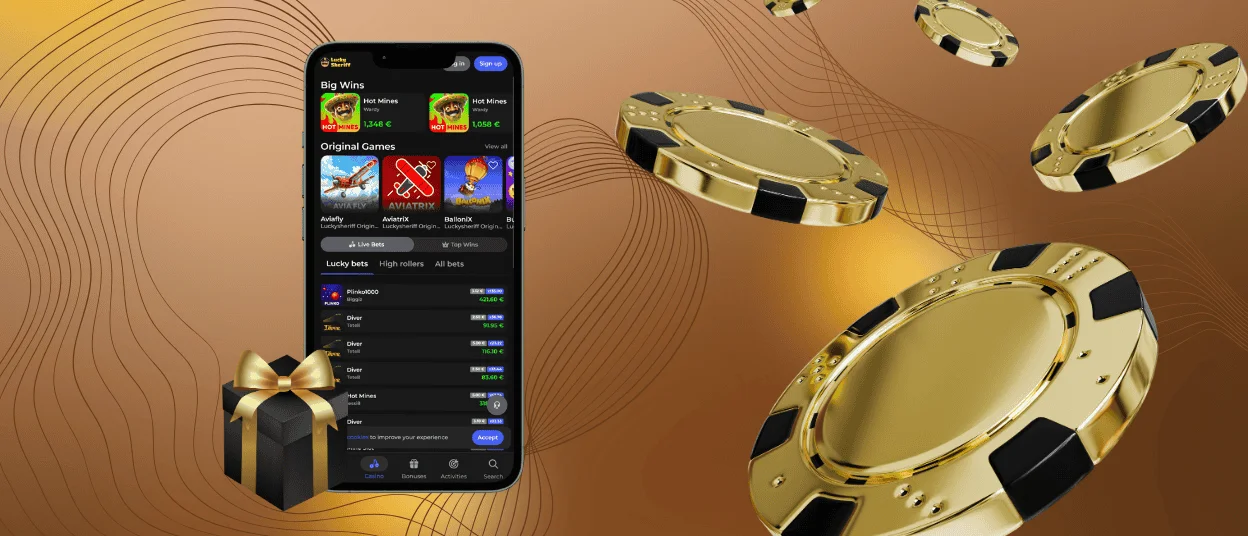
We don’t deprive our desktop players of the opportunity to enjoy the same benefits using the Lucky Sheriff app. The installation process for most browsers on Windows OS is even simpler here—you only need to click the “Install application” icon in the address bar and confirm your choice.
MacOS users can use Safari’s built-in share options to download the Luckysheriff Casino app. It will open in a separate window with the same functionality as the Windows version. If you were already logged in, the app will synchronize your account, and you won’t need to log in twice.
FAQ
Is creating an account required to use the Lucky Sheriff app?
No, anyone can download our app and create an account later.
Does the Luckysheriff Casino app offer customer support?
Of course it does. Our Support team works 24/7 to help all players, regardless of the device they use.
How can I update the Luckysheriff app?
The good part is that you don’t need to update our app. It automatically loads the latest version every time you launch it, without taking up extra storage space.


